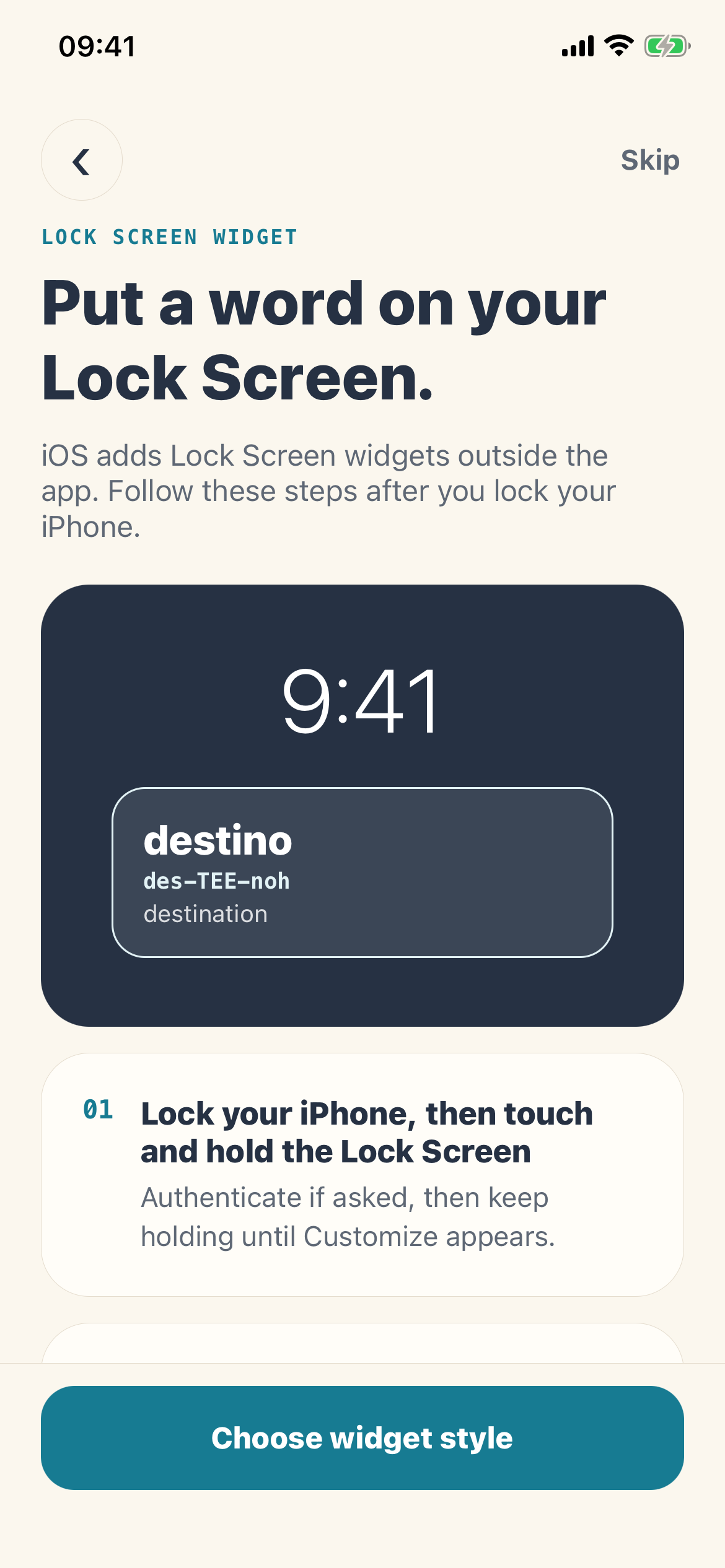
01 · Discover
Start with a word you can actually use.
Situation packs cover restaurants, transport, hotels, shopping, health, directions, and everyday exchanges.
destinodes–TEE–noh
destination · Mi destino es Sevilla.
Language learning for iPhone
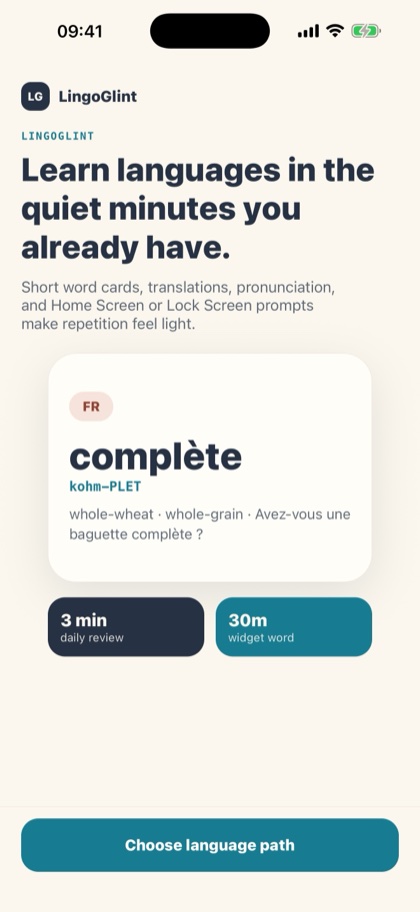
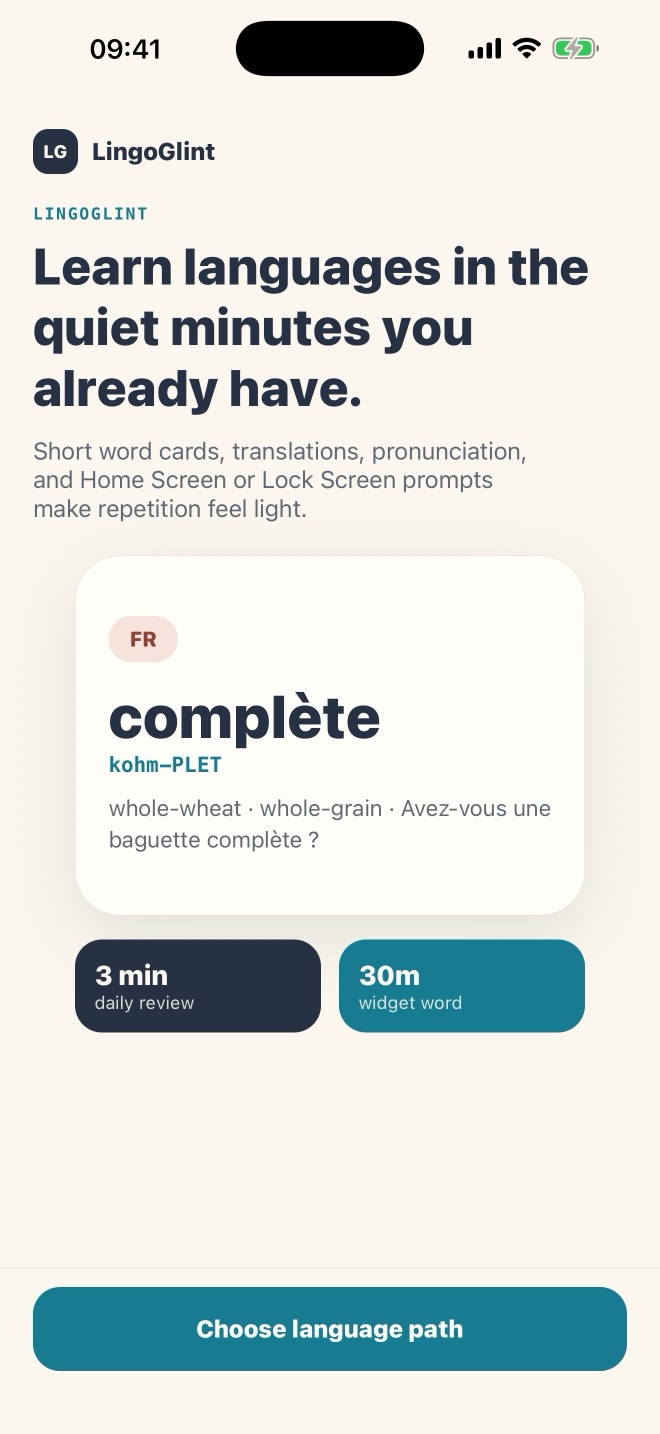
Turn three minutes into one new word, five practice cards, and one tiny dialogue—then keep the next useful word on your Lock Screen.
LingoGlint is coming to the App Store. Learning features require LingoGlint Plus; trial eligibility varies. Explore the features and language options while we prepare for launch.
A daily loop that fits
LingoGlint turns practical beginner vocabulary into a calm routine: discover, review, read in context, and see it again where you already glance.
01 · Discover
Situation packs cover restaurants, transport, hotels, shopping, health, directions, and everyday exchanges.
destination · Mi destino es Sevilla.
02 · Review
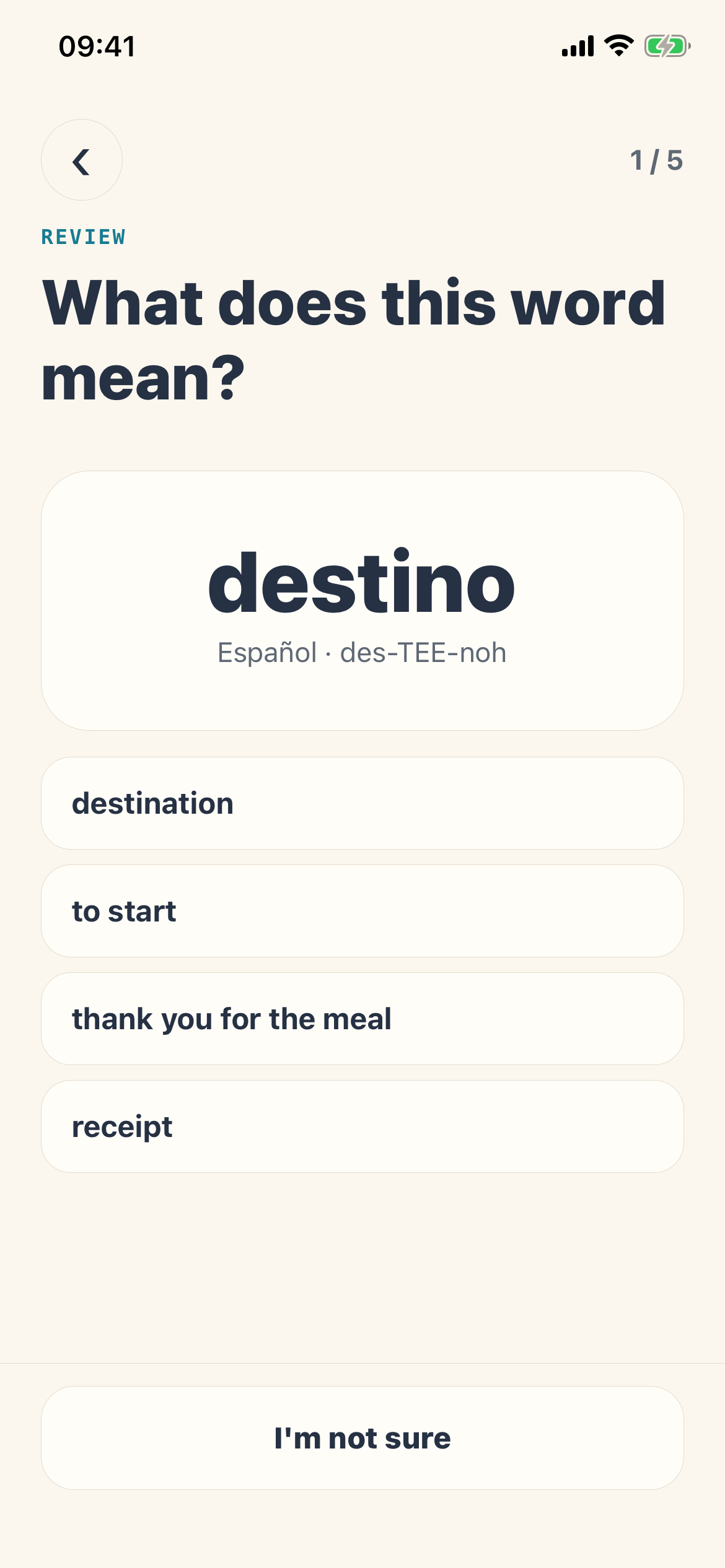
Correct answers move forward. Missed words return sooner so the next review stays useful.
03 · Read
Short beginner conversations connect a word to a real moment, with translations and reading help where the language needs it.
04 · Repeat
The local review queue tracks learned words, due reviews, and weekly activity—without requiring a profile or public streak.
Fourteen-language catalog
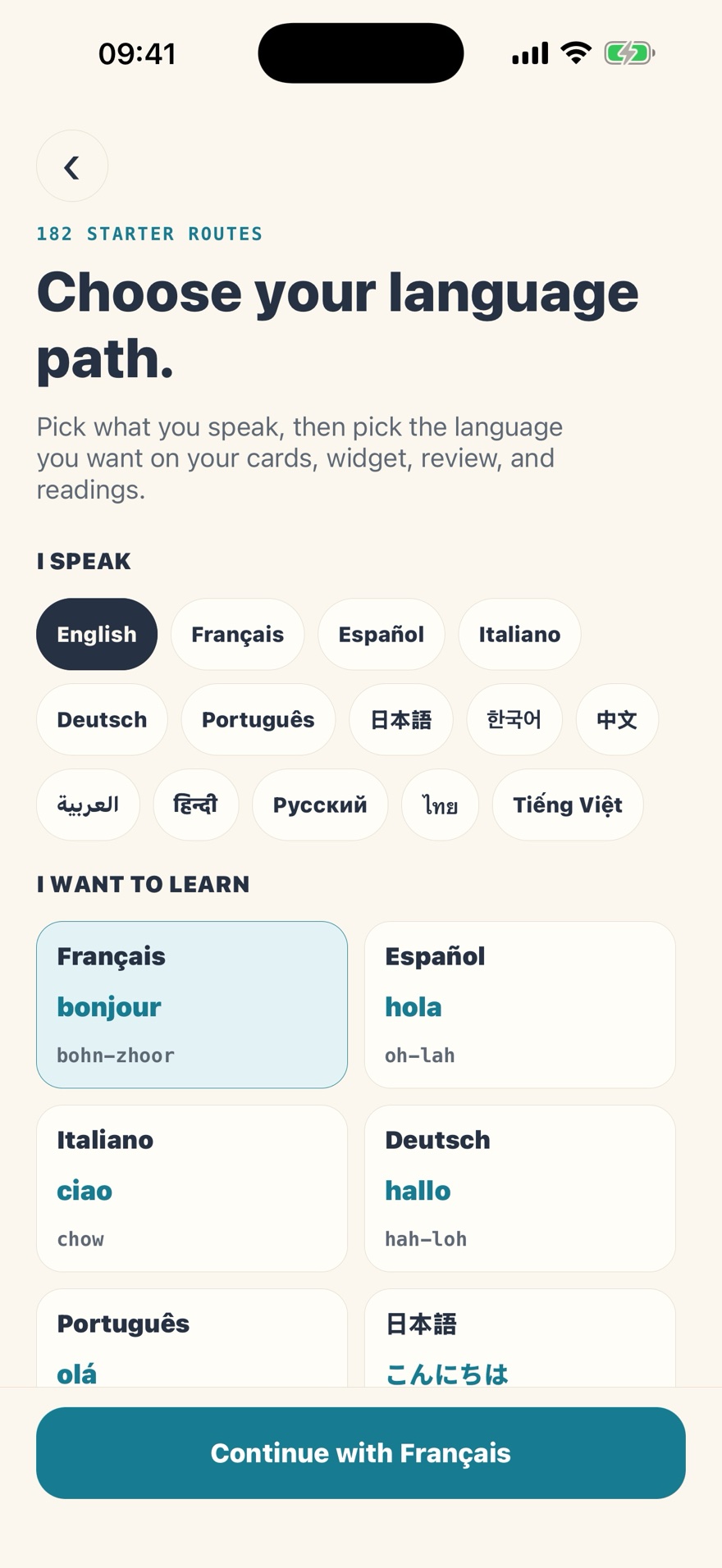
Choose a learner language and a different target language. The same practical review, pronunciation, reading, and widget structure follows your path.
Real product screens
Choose your language path, practice vocabulary, and explore the Plus plans in these real iPhone app screens.
LingoGlint Plus
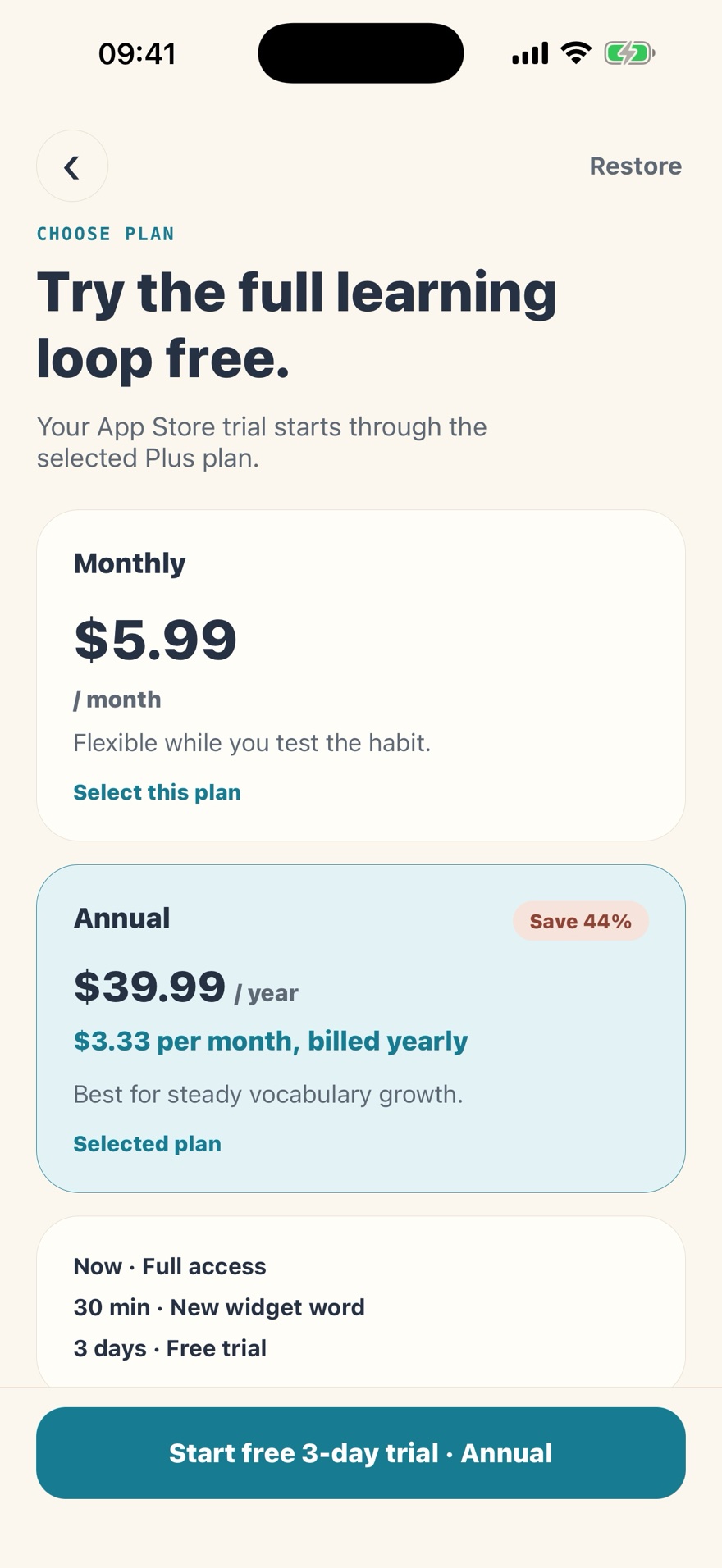
Plus unlocks the learning experience and complete situation-pack catalog. The App Store always shows your final local price and trial eligibility before purchase.
Monthly
Bills immediately. No introductory trial on the monthly plan.
Annual
About $3.33 per month when billed yearly. Eligibility is determined by Apple.
Prices shown are US reference prices. Currency, tax, and storefront pricing can vary. No purchase is possible until the App Store listing is public.
Local-first by design
LingoGlint V1 does not require an account. Learning progress and widget snapshots are stored on your device. Analytics, crash diagnostics, and purchase status are handled only as described in the privacy policy.
Common questions
LingoGlint is preparing for App Store release. The public listing is not available yet; our App Store link will open it once it launches.
The current build requires iOS 16 or later and is designed for iPhone. It includes Home Screen widgets plus inline and rectangular Lock Screen widgets.
English, French, Spanish, Italian, German, Portuguese, Japanese, Korean, Mandarin Chinese, Arabic, Hindi, Russian, Thai, and Vietnamese are supported as learner and target languages. You select different languages for the two sides of a path.
No. The three-day introductory trial is attached to the annual plan and only appears for eligible App Store accounts. The monthly plan bills immediately. Apple confirms the exact offer before you subscribe.
LingoGlint prepares a timeline using your selected rotation interval, but iOS controls the exact refresh schedule. A word can remain visible longer when the system delays a refresh.
No account is required, and learning progress is stored locally. Some services—including App Store purchases, purchase restoration, analytics, and crash diagnostics—need a network connection.
Coming to the App Store
The listing is still pre-launch. Save the official link now and it will become the download page when LingoGlint goes live.